ChatGPT Brings Major Update for Image Creation and Editing

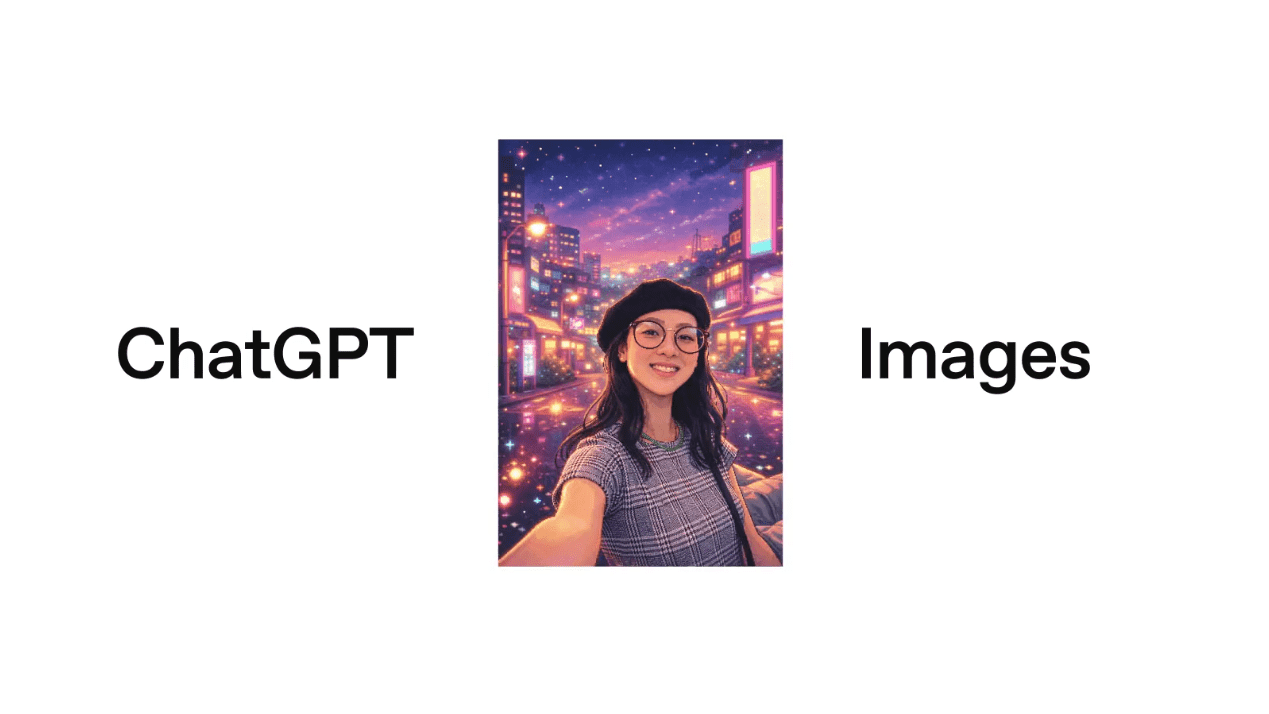
ChatGPT has received a major update that improves how users create and edit images. The update is powered by GPT Image 1.5, which follows user instructions more closely and supports both creating new images and targeted edits to uploaded images. This makes ChatGPT more useful for creative and practical image tasks.
Image Creation Gets More Accurate
ChatGPT now uses a new image generation model called GPT Image 1.5, which brings clear improvements to how images are created. Compared to the earlier version, images are generated much faster, allowing users to try more ideas without long waiting times.
The new model also understands instructions better. When users describe what they want, ChatGPT is more likely to produce images that match the request closely. This reduces the need for repeated prompts or corrections, whether it’s a simple illustration or a more involved visual.
Improved Image Editing Experience
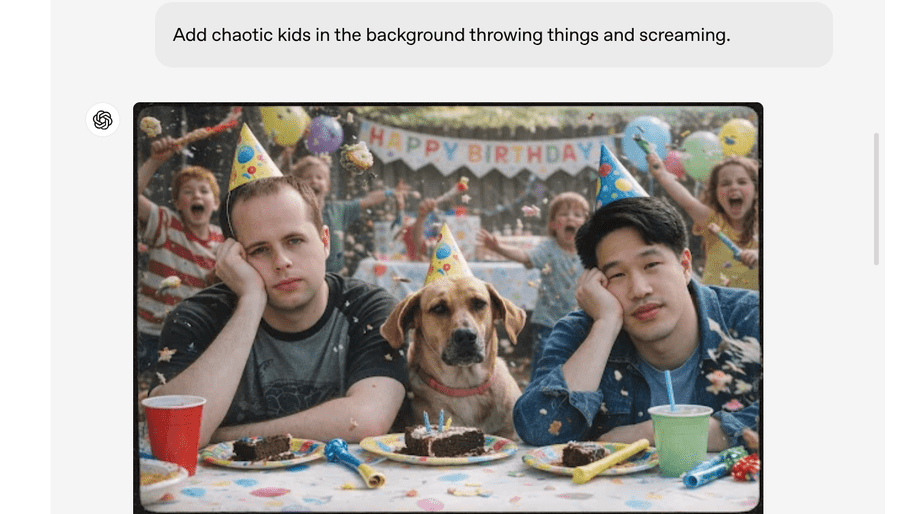
ChatGPT now makes the editing of existing images easier by enabling users to upload a photo and request specific changes. Instead of reworking the entire image, this tool focuses only on the parts you want to edit, making the editing process more controlled and efficient.
With enhanced user instructions, the new image model provides a final result much closer to what was actually requested. At the same time, it retains key details-lighting, background, and the appearance of people-across multiple iterations of edits. This makes it very workable in everyday applications: correcting photos, making design changes, and experimenting with creative ideas without sacrificing image quality.
New Images Section in ChatGPT
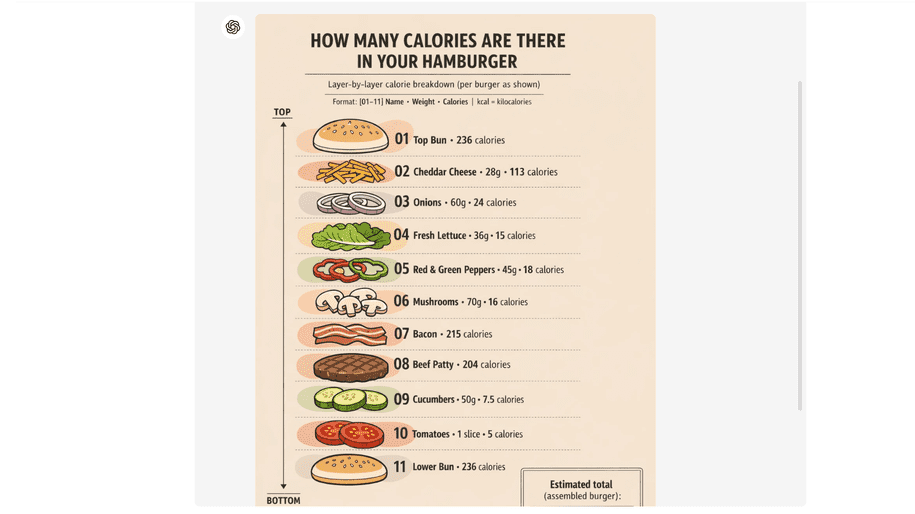
ChatGPT now features a dedicated Images area that puts image-related tools into one place. This tab replaces the Library and is available much more quickly via the sidebar, making navigation easier. The Images section includes built-in styles and creative presets to help users get up and running quickly. It also keeps all previously created images in one place, making it easier to manage visuals users might want to reuse.
Besides, it is now capable of generating images with more distinct, accurate text. Even the small text comes out sharper, making the whole image more comprehensible and visually well-balanced. This upgrade will definitely allow users to make far better visuals, such as posters, infographics, and promo graphics.