How To Know If Someone Unadded You on Snapchat?

Have you ever had someone disappear from Snapchat, stop answering your messages, or drop off your friends list? If it seems like your messages aren’t getting answered and you can’t see that person’s stories anymore, you’re probably wondering what happened. Here’s a simple way to know if someone has unadded you from their Snapchat friends list.
Does Snapchat Notify When Someone Unadds You?
Snapchat does not notify users when someone unadds them. Whether they unadd, remove, or delete you, the result looks mostly the same on the app. It’s also important to remember that similar signs can appear if the person deleted their account, blocked you, or changed their privacy settings. Therefore, relying on just one sign may not give you a clear answer.
1. Check Your Friends List
Checking your friends’ list is a quick way to see if someone is still connected with you on Snapchat.
- Open the Snapchat app.
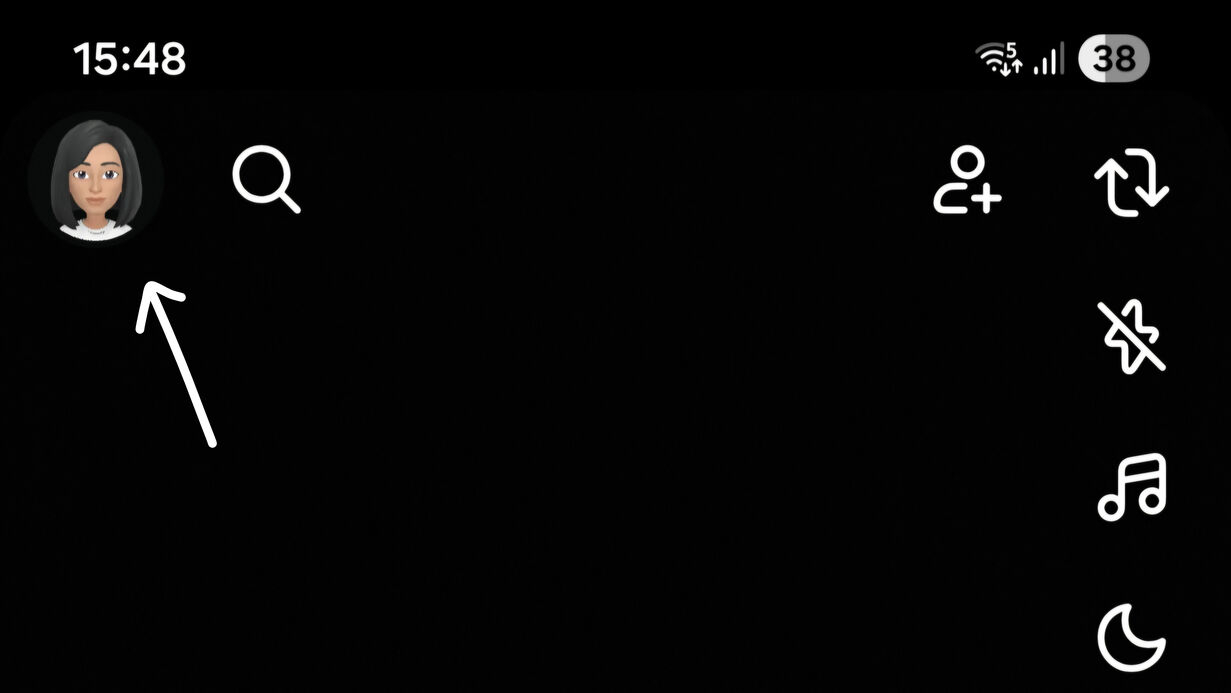
- Tap your Profile icon in the top-left corner.
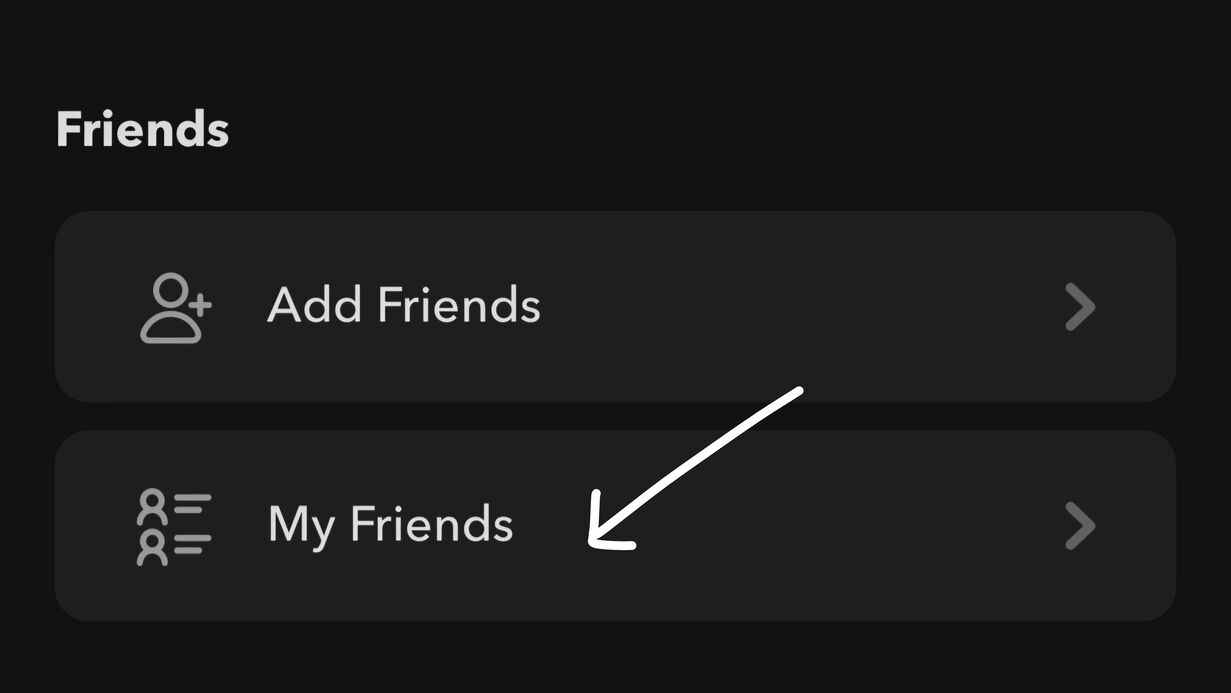
- Tap on the My Friends section.
- Search for the username you’re looking for.
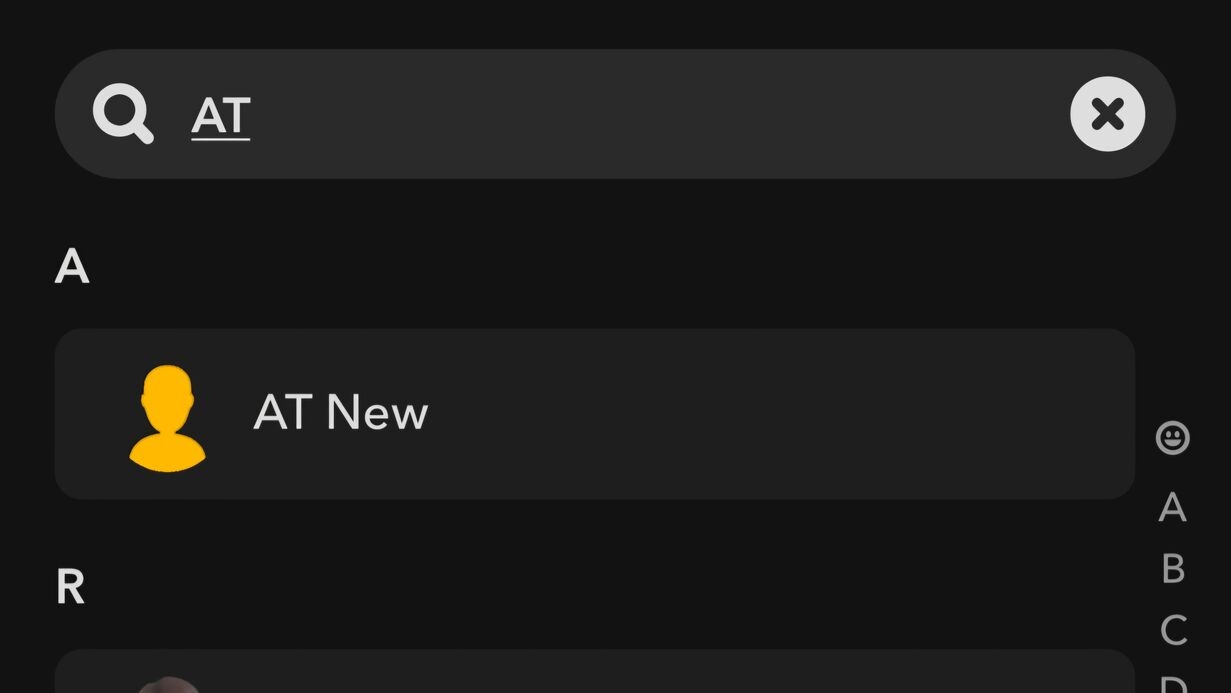
Search for the username you’re looking for. If the person’s name does not appear in your friends list, they may have removed you. However, keep in mind that deleted Snapchat accounts also disappear from the list, so this method alone does not always confirm an unadd.
2. Check the Chat Screen
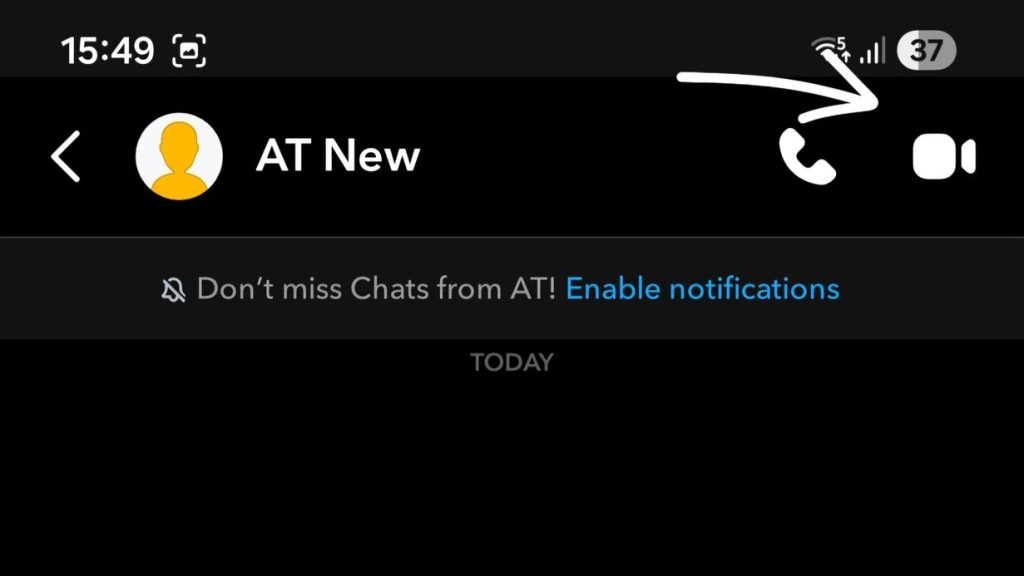
Snapchat changes the chat options when someone removes you from their friends list. Open the Snapchat app and select the chat with the person you’re checking. If you can see voice and video call buttons at the top, the person is still your friend. When those buttons are replaced with a blue Add button, it usually means they have un-added you. If you’re unable to open the chat at all, the person may have blocked you or deleted their Snapchat account.
3. Check Their Snapscore
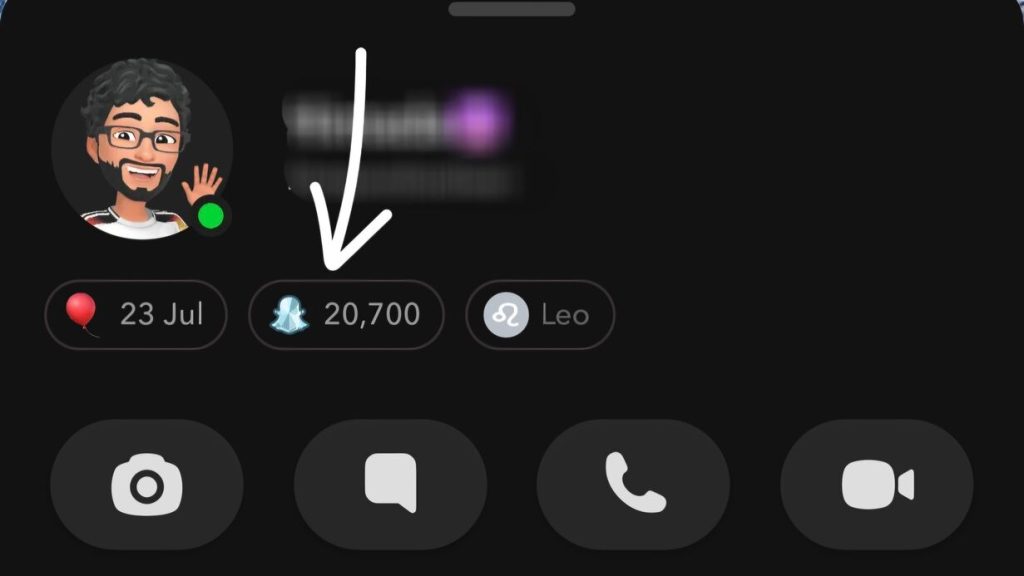
Because it is only visible between friends, Snapscore is a good way to see if someone has un-added you. Follow these steps to check: Open Snapchat, search for the person’s name, then tap their profile. Just below their username, look to see if a Snapscore appears. If you see a Snapscore, you are still friends. If the Snapscore does not appear, it is usually because the person has removed you from their friend list.
4. Check Where Their Stories Appear
Another way to check is by seeing where someone’s stories appear on Snapchat. Open the Stories screen and search for their latest post. Stories from your friends show up under the Friends section, while stories from people who don’t follow you back appear under Following. If their story has moved to the Following section, they may have removed you from their friends list. This method only works if they’ve shared a story recently.
What Changes When Someone Unadds You?
If somebody un-adds you on Snapchat, most of their content goes away. You won’t see their private stories or Charms, and their Snap Map location is no longer available to you. Your messages may appear sent, but won’t actually be delivered. Their profile will show only very limited detail, though some public content may remain visible if their account is public.
You can still reconnect with them on Snapchat if they haven’t blocked you. Just find their profile and send them a brand-new friend request. When they accept, you’ll be added to their friends list again and will see any new content posted, based on their account’s privacy settings.