OnePlus Pad Go 2 Review: iPad Who?

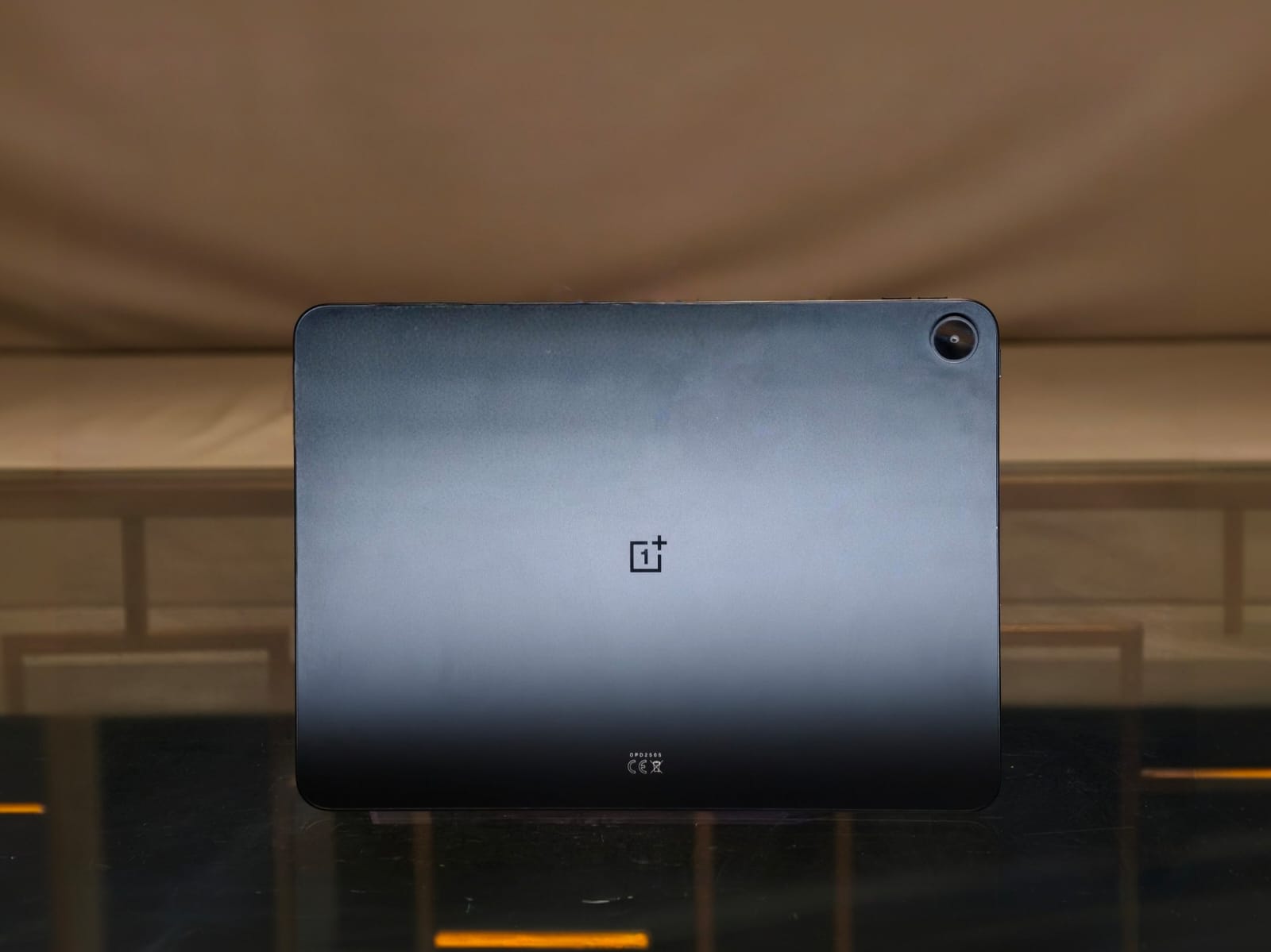
For almost as long as human history has been written, iPads have dominated the tablet space, and for very good reason. They look sleek, perform amazingly, integrate well with other Apple devices, and, most importantly, run an OS that supports all the apps. These metrics have, for the better part of a decade, made Android tablets almost irrelevant. A niche that only a few want. However, the brand we all know for its flagship killers, OnePlus, has been quietly reviving the Android tablet world with devices that encapsulate that OnePlus feeling without Apple’s pricetag. The latest entry in the lineup is the OnePlus Pad Go 2, which comes with a big, bright display, four speakers, and new multitasking abilities, all for just INR 23,999.
As soon as I heard about those features and the price, I called my friends over at OnePlus and got the tablet in for review. It’s been over a week since that phone call, and I’ve been using the OnePlus Pad Go 2 as my everyday multimedia and document-editing machine. This review will culminate my experience with the tablet and help you decide whether it’s worth the hard-earned money. Spoiler alert, it’s a tablet that’s hard to fault.
OnePlus Pad Go 2 Review
Summary
At INR 23,999, the OnePlus Pad Go 2 is a tablet that’s really hard to fault. That’s because, despite the price, you get a big, crisp, and beautiful display that supports HDR, speakers that can fill a party room, performance that can handle any task, stylus support, helpful AI features, and insane battery life. Honestly, the Pad Go 2 is one of, if not the best, mid-range tablet I’ve ever tested
Design & Hardware
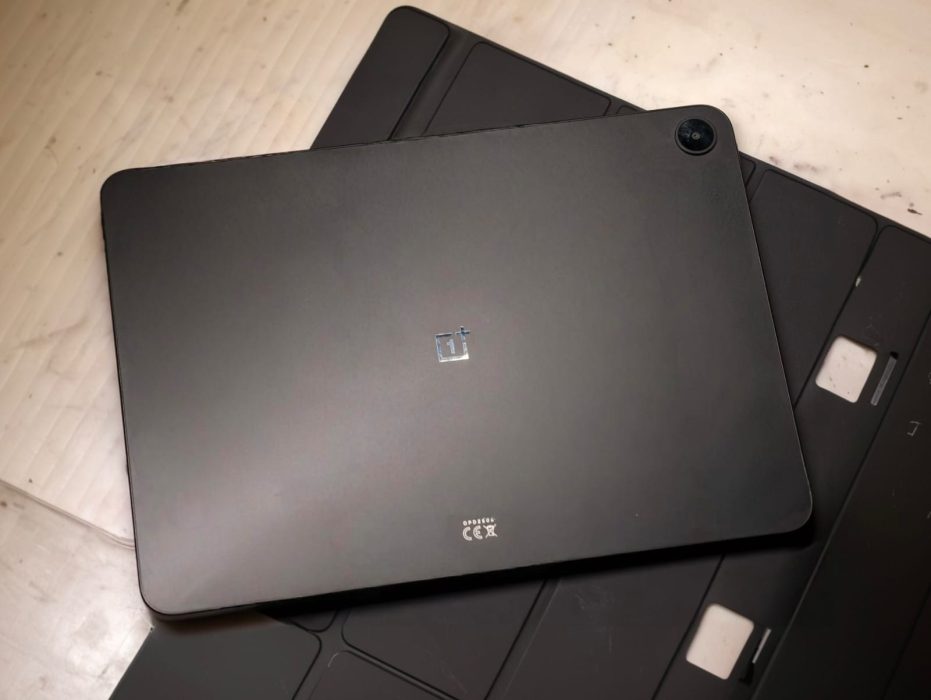
Compared to smartphones, expectations for tablet design differ. Most people don’t want flashy or gimmicky designs that hinder the practicality of using a device for both work and multimedia consumption. If you’re in this camp, then the OnePlus Pad Go 2 would feel right at home. It doesn’t do anything new, but sticks with the basics that work. The tablet is made of aluminium, which not only adds durability but also gives the finish a premium feel. There’s a single camera cutout at the back that doesn’t protrude much, so working with the device lying down is possible. The sides are flat, which adds a bit more grip, and also makes the 6.28mm thickness feel almost nothing.
The Pad Go 2 comes in two finishes: understated black or lavish lavender. Both colors carry the same storage, but if you want 5G connectivity, it’s only available in the black version. The weight for both models is pretty respectable, hovering around 599g. I had no issues carrying the tablet every day in a backpack or holding it just above my face to watch content. The only gripe with the design is the number of fingerprints it picks up, which made taking review photos quite a challenge.
Beyond that, there’s no fingerprint scanner for unlocking. Instead, the Go 2 uses facial recognition, which isn’t as safe but works every time. While I did not drop the tablet by accident or on purpose, it should handle minor scuffs just fine thanks to its construction. Also, there’s no IP rating, so please keep the device away from any liquids. OnePlus sells a folio case for the tablet, which does a really good job of protecting the device from the elements.
Pen Support
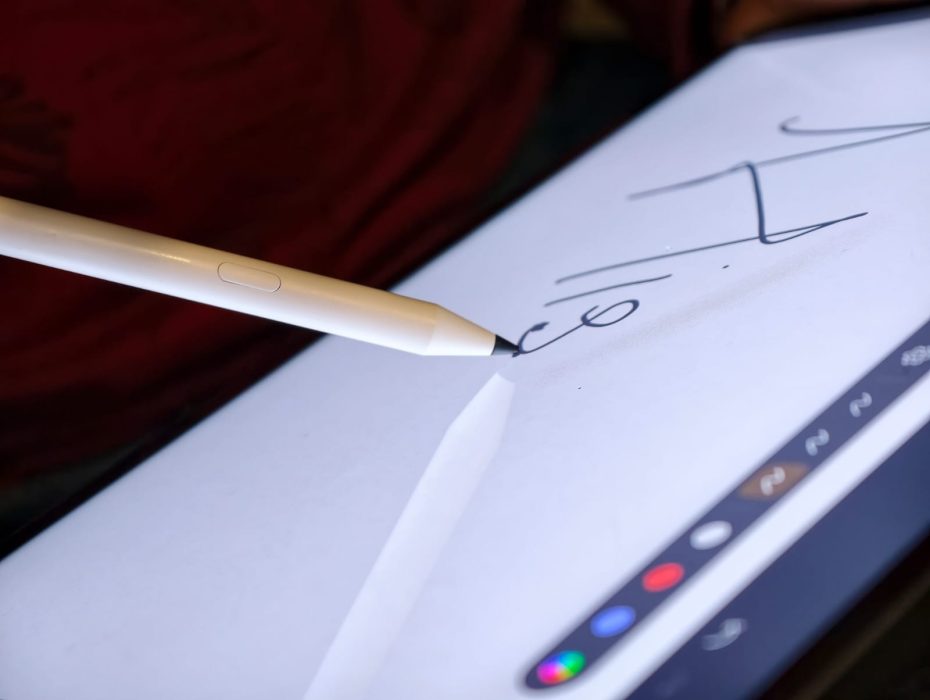
For all my drawing friends out there, the Pad Go 2 has stylus support. Specifically, the tablet supports the new Pad Go 2 Stylo, which offers 4,096 levels of pressure sensitivity. The stylus lasts for 20 hours on a single charge, and can be recharged in under 25 minutes using the Type-C port. Unfortunately, I’m no artist, but in my experience, it worked really well for taking notes and had decent palm rejection. Beyond that, OnePlus has also bundled features to make the writing experience even better. There’s handwriting recognition, which, as the name suggests, analyzes your handwriting and converts it into digital text. In practice, it’s honestly magic because it understands my handwriting, which sometimes even I struggle with.
Display & Speakers
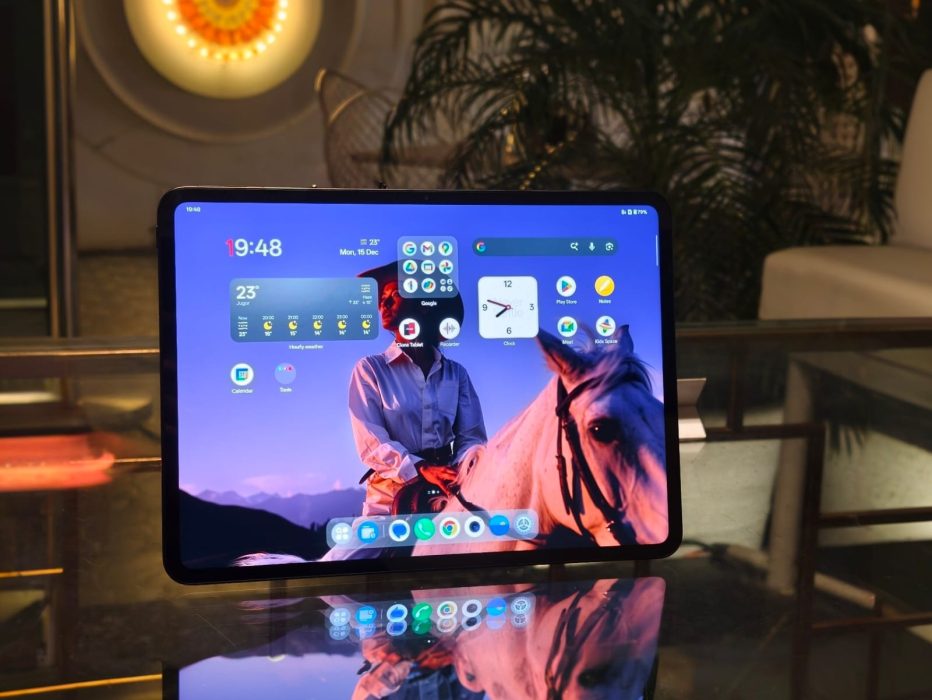
If all you need is one reason to choose the OnePlus Pad Go 2 over the base model iPad, it’s the display. OnePlus has nailed it out of the park with a 12.1-inch 2.8K (2800×1980) IPS display that runs at 120Hz. The panel also supports Dolby Vision and has a peak brightness of 900 nits. Honestly, displays, especially at this price, won’t get any better. The picture quality is exceptional, with crisp details, really aesthetic colors, and HDR performance that tackles the very best of premium laptops. I had heaps of fun watching The Studio on the Pad Go 2.
It’s not just about content, though, as the panel covers 98% of the DCI-P3 color space, making it plenty accurate for some Photoshop work as well. OnePlus’ 7:5 is something that I loved more than I thought, simply because it makes for a more productive environment for scrolling the web or editing documents. Beyond that, there’s TÜV Rheinland Smart Care 4.0 that promises to reduce eye strain in darker environments, though if you’re like me and doomscroll reels late at night, the certification won’t help much.
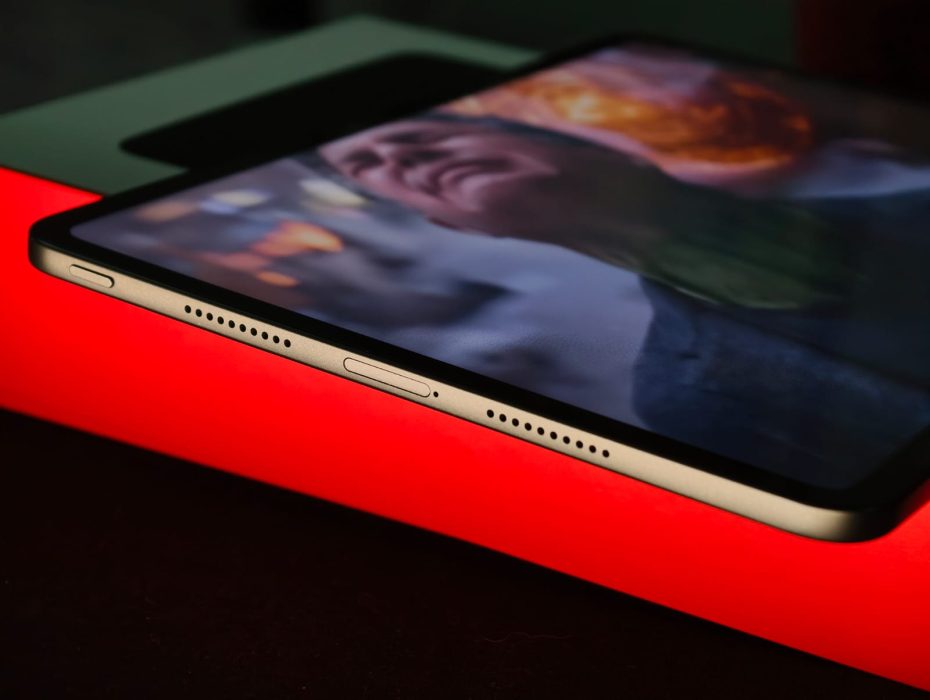
If you asked me for two reasons to recommend the OnePlus Pad Go 2, the first would obviously be the screen, and the second would be the speakers. The tablet has four of them in total, and oh boy, they are fantastic. I’ve never heard speakers sound better than the ones on my MacBook, but it finally happened. The four on the Pad Go 2 sound really full, capable of filling the entire room, with really nice bass, accurate highs, and mids. Honestly, if you just want a multimedia device to watch movies on, look no further than this.
Performance & Software
Under the hood, the OnePlus Pad Go 2 is powered by MediaTek’s Dimensity 7300 Ultra, which features eight cores and the Mali-G615 MP2 GPU. In addition, my review unit came with 8GB of LPDDR5X RAM and 256GB of UFS 3.1 internal storage. Keeping the specs out of the way, the everyday performance of the Pad Go 2 has been really good. Apps open in a jiffy, there’s not even a hint of lag when switching between apps, and everything stays in memory. As you may already know, OxygenOS is perhaps my favourite Android skin, simply because it’s just so refined. Every little thing you do has an animation tied to it, which makes using any device a lot more premium. Also, love the animations, which come out beautifully on the large display.
OnePlus has also optimized the software for better multitasking capabilities. Swiping down with two fingers opens split-screen mode, allowing you to take notes while reading a lesson plan. Beyond that, the tablet has all the AI bells and whistles, including an AI writing assistant, AI image editing tools, and an AI speaker that helps you read articles and books. OnePlus also has an App Relay feature, where you can control your OnePlus phone directly from the tablet. I tried it with my Nord 5, and it worked pretty sweet.
To push the Dimensity 7300 to its limits, I also ran a series of benchmarks. In Geekbench, the Pad Go 2 scored 939 in the single-core test and 2345 in the multi-core test. On the other hand, in AnTuTu, the device reached a respectable 1,035,000 points. For the price, these numbers are really good.
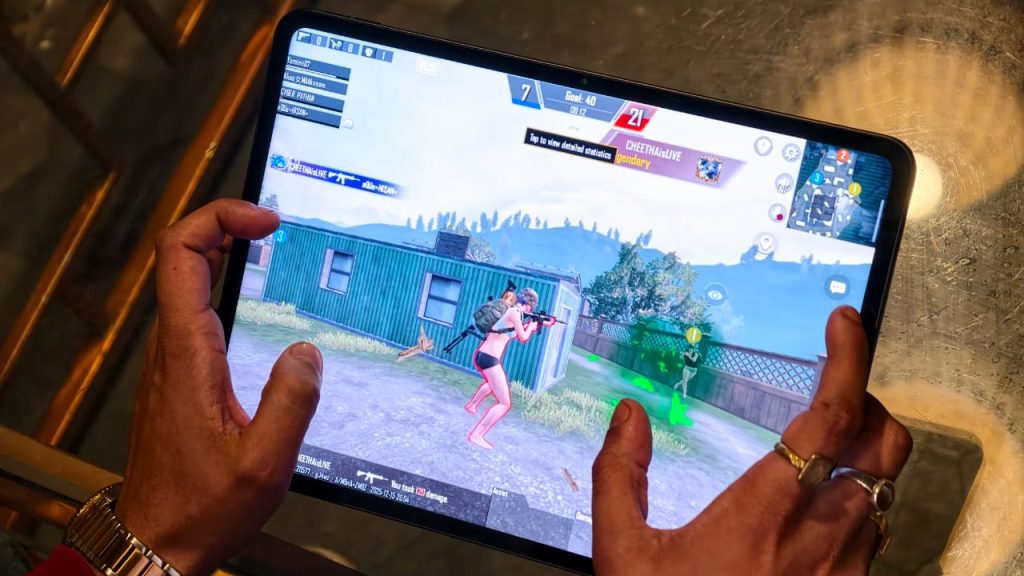
Moving things over to gaming, I played a lot of BGMI (PUBG) and Clash Royale during my testing period. In BGMI, the Pad Go 2 delivers a solid 60FPS gameplay at the Smooth and Extreme settings, which is not bad at all. Sure, I’d have wished for some higher frame rates, but it’s not a complaint by any means. For lighter titles like Clash Royale, the experience was pretty amazing.
Battery Life
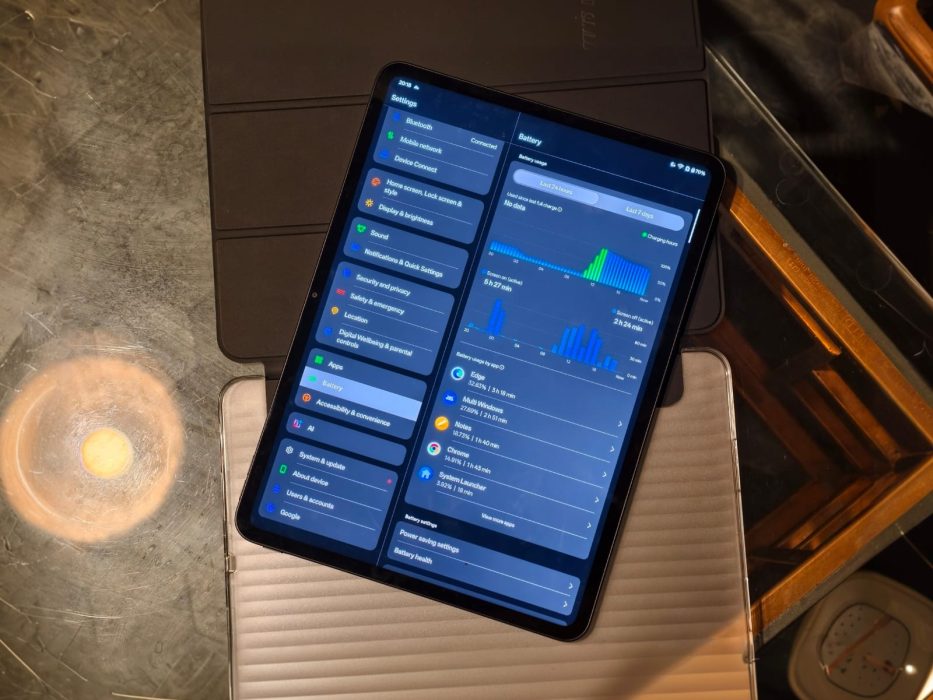
The OnePlus Pad Go 2 features a 10,050 mAh battery and lasts more than a test cricket match. For context, I primarily used the tablet to consume content and browse the web, and it lasted about 3-4 days before needing a recharge, with screen-on-time up to 15 hours. When it was time to recharge, OnePlus’s 33W SUPERVOOC came to the rescue, fully charging the tablet from 0% in about 2 hours.
Verdict
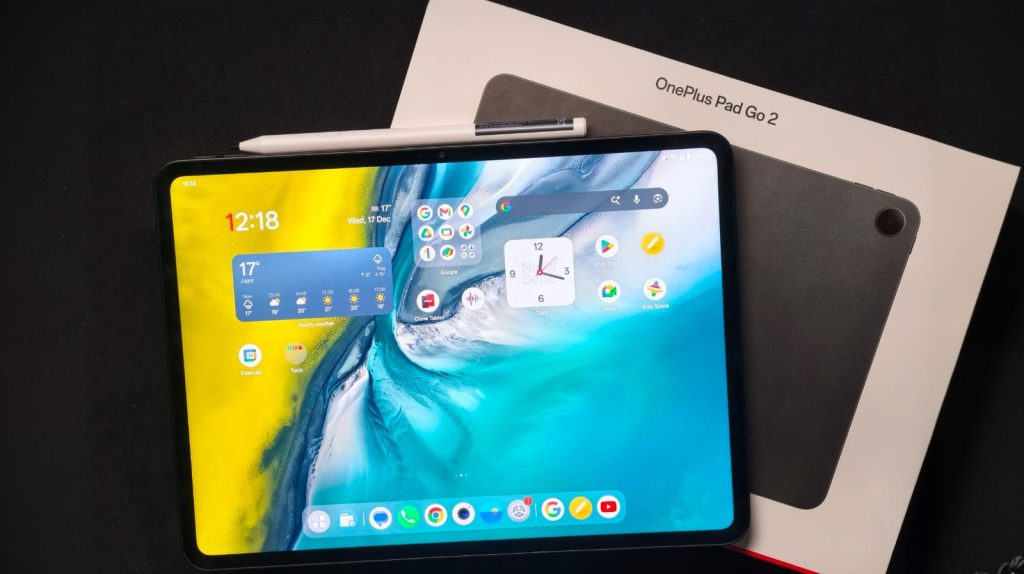
At INR 23,999, the OnePlus Pad Go 2 is a tablet that’s really hard to fault. That’s because, despite the price, you get a big, crisp, and beautiful display that supports HDR, speakers that can fill a party room, performance that can handle any task, stylus support, helpful AI features, and insane battery life. Honestly, the Pad Go 2 is one of, if not the best, mid-range tablet I’ve ever tested, and if you’re in the market for such a device, it’s hard to ignore.