
What Is ChatGPT Health & How To Join the Waitlist?

OpenAI has announced ChatGPT Health, a new feature inside ChatGPT that focuses only on health and wellness discussions. Millions of people already use ChatGPT to understand medical reports, fitness data, and general wellness topics. With over 230 million health questions asked every week, OpenAI has launched ChatGPT Health to offer a more private, clear, and personalized health experience.
What Is ChatGPT Health?
ChatGPT Health is a separate, health-focused experience inside ChatGPT where users can manage and discuss their information. Users can share medical files, link fitness and wellness apps, and view data from wearables and lab reports. This combined view helps users stay informed and feel more prepared when making daily health-related choices.
People often store their health data across different platforms, including fitness apps, lab reports, and online documents. This feature was introduced to combine all information in a single, secure space with added privacy features. OpenAI describes the tool as one to help users keep informed and prepared, while doctors remain central to medical care.
Key Features of ChatGPT Health
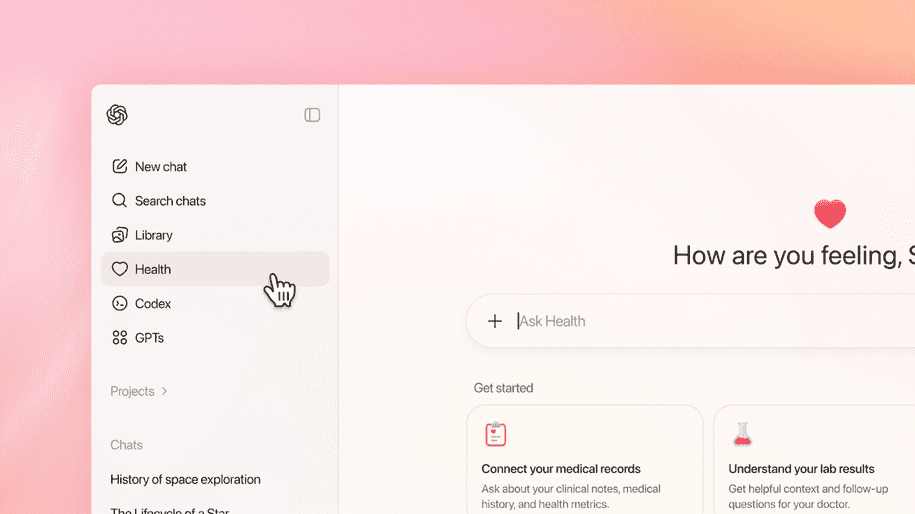
To support safe and meaningful health conversations, it includes the following key features:
- ChatGPT Health provides a separate health section within it for conversations on medical and wellness topics.
- It allows for safe and secure connections with wellness apps and medical records, making it easier to access health information in one place.
- The platform provides health suggestions and insights that are specific to your personal health information and activity patterns.
- It also creates clear and easy-to-understand summaries that can be useful during doctor visits.
- To protect sensitive information, it uses advanced privacy and encryption measures for all health conversations.
- Users have full control over connected applications and stored data, and this can be managed, disconnected, or deleted at any time.
How to Join the ChatGPT Health Waitlist?
- Open chatgpt.com/health/waitlist in your browser.
- Join the waitlist by logging in with your ChatGPT account.
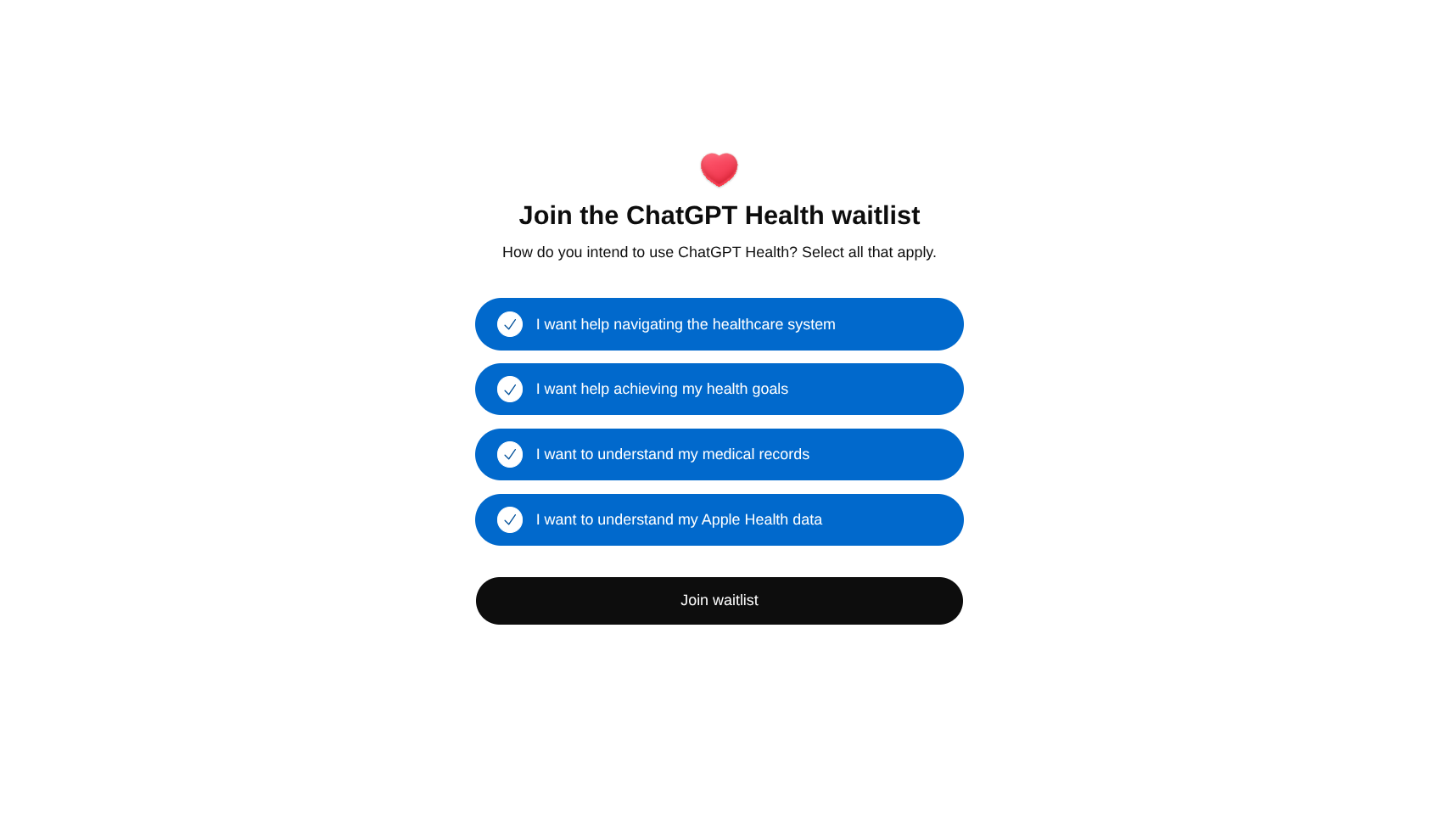
- Once access is granted, you will see a Health tab in the sidebar.
Availability and Regions
Users can access ChatGPT Health by joining a waitlist, regardless of whether they are on Free or paid plans such as Go, Plus, or Pro. However, the feature is not launching in the EU, Switzerland, or the UK for now. OpenAI plans to begin with limited access and slowly expand availability across web and iOS platforms.